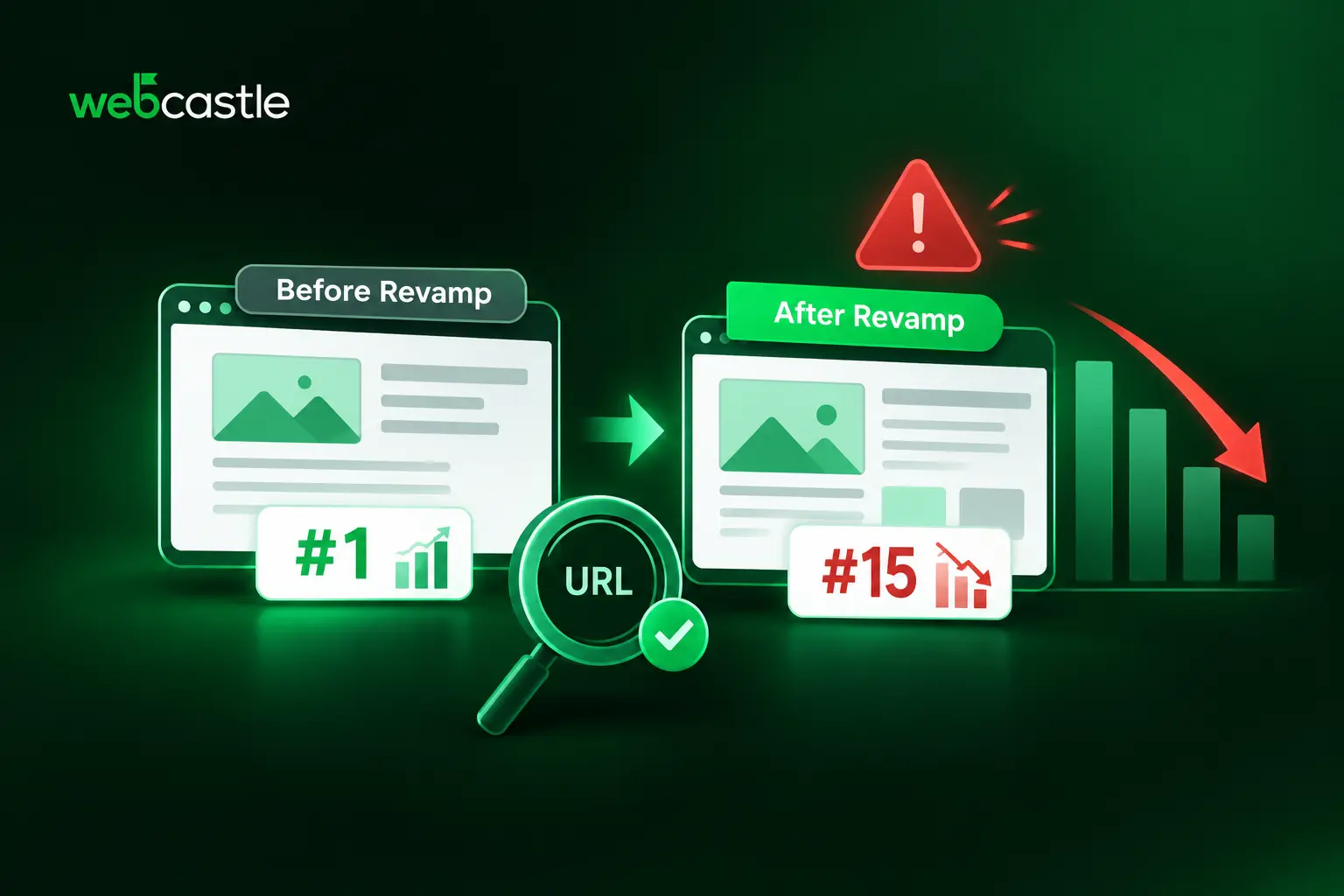
A website revamp can improve its appearance, user experience and functionality. However, a new design does not always mean better search performance. Some websites experience a drop in organic traffic and keyword rankings shortly after a redesign, even when all their existing URLs remain unchanged.
Why does this happen?
Google does not evaluate a website based on URLs alone. It also considers page content, HTML structure, internal links, structured data, accessibility and how easily search engines can crawl and understand the website.
For example, moving a website from WordPress to Next.js may keep every URL the same, but the way pages deliver content, metadata and structured data can change significantly.
A website revamp should therefore be treated as an SEO project as well as a design and development project. Here are nine important factors that can affect rankings after a website redesign.
9 Important Factors That Can Cause Ranking Loss After a Website Revamp
1. Changes to Existing Page Content
One of the most common reasons for ranking loss is changing or removing existing content during a redesign.
Developers or designers may shorten service descriptions, remove important paragraphs, change headings or replace text with images to achieve a cleaner layout. However, this can remove information that helped a page rank for specific search queries.
For example, an existing service page may contain detailed information about services, industries, processes and customer requirements. If the redesigned version replaces this with a short introduction and a few images, Google may no longer find the same level of information on the page.
What to check: Compare the old and new page content. Make sure important topics, keywords, headings and useful information are retained.
2. Changes to Heading Structure and HTML Elements
A website’s visual appearance and HTML structure are two different things.
During a redesign, developers may use heading tags for styling instead of following a logical content hierarchy. For example, an important H1 may become an H2, or several unrelated sections may use H1 tags.
Similarly, important content may be placed inside elements that are not properly rendered or accessible to search engines.
Keep one clear main H1 for each page and use H2 and H3 tags to organise the content. Make sure important text is available in the rendered HTML.
3. Missing or Incorrect Structured Data
Structured data helps search engines understand specific information about a page or business.
During a website revamp, existing schema markup may be removed, changed or implemented incorrectly. For example, a website that previously had Organization, LocalBusiness, BreadcrumbList or Article schema may lose some of these elements after migration.
In other cases, the new schema may contain incorrect business details, URLs or information that does not match the visible page content.
Although structured data is not a direct ranking guarantee, incorrect implementation can affect eligibility for relevant rich results.
What to check: Compare the old and new schema markup and test the new pages using Google’s Rich Results Test and Schema Markup Validator.
4. Changes to Internal Linking
Internal links help search engines discover pages and understand how different sections of a website are connected.
During a redesign, developers may change the navigation menu, footer links, service page connections or related blog sections. Important internal links may disappear or point to incorrect destinations.
For example, a blog that previously linked to an important service page may no longer contain that link after the redesign.
This can affect how users and search engines discover important pages.
What to check: Review navigation links, contextual links, breadcrumbs, footer links and related content sections. Make sure important pages remain accessible through relevant internal links.
5. JavaScript Rendering Issues
This is particularly important when migrating from WordPress or another traditional CMS to a JavaScript-based framework such as Next.js.
A website may display perfectly in a browser, but search engines still need to process its content correctly.
If important page content, metadata, internal links or structured data are only added through client-side JavaScript, rendering problems can affect how search engines access the information.
For example, a service page may display its content after a user opens it, but the initial HTML response may contain very little meaningful information.
Next.js supports server-side rendering and static generation, which can help deliver search-friendly pages. However, the framework alone does not guarantee good SEO. The implementation matters.
What to check: Compare the initial HTML with the rendered page. Test important URLs using Google’s URL Inspection Tool and check whether the main content, canonical tags and metadata are accessible.
6. Changes to Title Tags and Meta Descriptions
During a redesign, SEO metadata is sometimes overlooked.
Existing title tags may be replaced with generic titles, duplicate meta descriptions may appear, or important location and service keywords may be removed.
For example, an existing title such as “Web Development Company in Dubai | WebCastle” might become simply “Web Development Services”.
This can reduce the relevance of the page for its previous search queries and affect click-through rates.
What to check: Compare the old and new title tags and meta descriptions. Ensure every important page has unique and relevant metadata.
7. Canonical Tags and Indexing Directives
Even when URLs remain unchanged, canonical and indexing settings can change during development.
A page may accidentally contain a canonical tag pointing to another URL. A developer may also leave a noindex directive on the live website after using it during development.
These mistakes can affect whether Google indexes the correct pages.
What to check: Confirm that important pages have correct self-referencing canonical tags and that the live website does not contain unintended noindex directives.
8. Website Speed and Core Web Vitals
A new website may include large images, animations, additional scripts and heavy design elements. These can affect loading speed and user experience.
For example, a redesigned homepage may look attractive but take longer to load because of unoptimised banners, videos or third-party scripts.
Core Web Vitals measure aspects of loading performance, interactivity and visual stability. Poor performance can contribute to a weaker user experience, although a small change in these metrics does not automatically cause a ranking drop.
What to check: Test important pages using PageSpeed Insights and monitor Core Web Vitals in Google Search Console.
9. Changes to Navigation and Page Structure
A website redesign may introduce new menus, categories, service sections and page layouts.
While these changes may improve the appearance of the website, removing important sections or making pages harder to reach can affect internal linking and content discovery.
For example, a service page that was previously accessible directly from the main navigation may be moved several levels deeper into the website.
What to check: Compare the old and new website architecture. Ensure important service pages, category pages and blog posts remain easy to discover.
How to Prevent Ranking and Traffic Loss Before a Website Revamp
SEO checks should begin before the development team starts working on the new website.
Here are some important steps to follow:
- Record existing rankings and traffic: Export keyword rankings, organic clicks, impressions and landing page data from Google Search Console and Google Analytics.
- Save the existing website content: Keep copies of important page content, title tags, meta descriptions, headings and structured data.
- Prepare a list of important URLs: Identify pages that receive organic traffic, generate enquiries and have valuable backlinks.
- Compare the old and new content: Make sure important information is not removed without a clear reason.
- Review the new website structure: Check navigation, internal links, breadcrumbs and page hierarchy.
- Test the staging website: Check rendering, canonical tags, indexing directives, structured data and mobile usability before launch.
- Involve an SEO professional: Ask an SEO agency to review the development website before it goes live.
A web development company should work closely with the SEO team to ensure that design and technical changes do not affect existing search visibility. If you are planning a redesign, it is also worth reviewing common web design mistakes that hurt user experience.
What Are Normal Ranking Fluctuations and What Is Real SEO Damage?
Not every ranking change after a website revamp indicates an SEO problem.
Google may need time to recrawl and reassess updated pages. During this period, some keywords may move up or down temporarily.
However, a continuous decline in organic clicks, impressions and rankings across several important pages needs investigation.
| Normal Fluctuations | Possible SEO Damage |
|---|---|
| Small ranking changes | Major ranking drops across important keywords |
| Temporary changes in impressions | Continuous decline in organic clicks |
| Short-term movement after recrawling | Important pages disappearing from search results |
| Minor changes in individual keywords | Multiple pages becoming deindexed |
| Temporary changes in traffic | Significant drop in organic landing page traffic |
Compare performance with the same period before the redesign, taking seasonality and other marketing changes into account. Use Google Search Console to identify which pages and queries have lost visibility.
Importance of Sitemap, Robots.txt and Crawlability
A website can have excellent content and a modern design, but search engines must still be able to discover and crawl its pages.
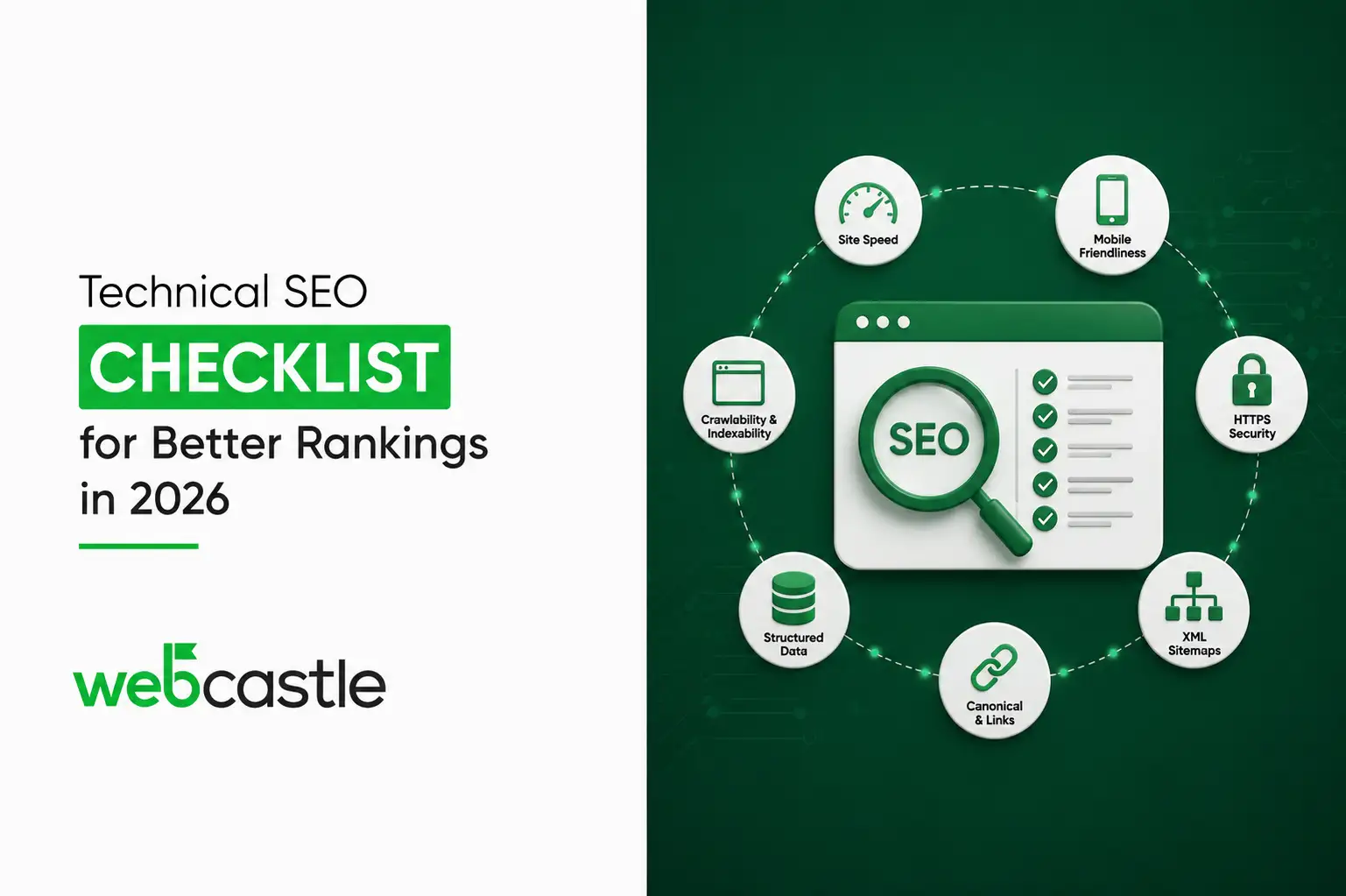
The XML sitemap should contain the correct canonical URLs of important pages. After a revamp, check whether the sitemap has been updated and submitted in Google Search Console.
The robots.txt file should also be reviewed. An incorrect rule may block Googlebot from crawling important website sections or resources.
Pay attention to the following:
- Make sure important pages are included in the XML sitemap.
- Remove broken, redirected and non-canonical URLs from the sitemap.
- Check that important pages are not blocked in robots.txt.
- Ensure that CSS and JavaScript resources needed for rendering are accessible.
- Check for accidental noindex tags.
- Review crawl errors and indexing reports in Google Search Console.
Remember that robots.txt controls crawling, not indexing. Blocking a page in robots.txt does not guarantee that Google will remove it from search results.
What Should You Check With Your Developer?
Before approving the redesigned website, ask your developer to verify the following:
- All important existing URLs return the correct HTTP status code.
- Page content and headings are retained where necessary.
- Title tags and meta descriptions are implemented correctly.
- Canonical tags point to the correct URLs.
- Structured data is present and valid.
- Internal links and navigation work correctly.
- The sitemap and robots.txt files are updated.
- Important pages do not have accidental noindex directives.
- Mobile responsiveness and page speed are tested.
- Google Analytics and Google Search Console tracking are working correctly.
An SEO review before launch can help identify these issues before they affect organic traffic.
What Should You Monitor During the First Month After a Website Revamp?
The first month after launch is important for identifying technical and SEO problems. Do not rely only on keyword rankings to evaluate the new website.
Monitor the following:
First week:
- Check whether important pages are accessible.
- Inspect key URLs using Google Search Console.
- Review indexing, crawl errors and server responses.
- Check analytics and conversion tracking.
Second week:
- Compare impressions, clicks and keyword positions.
- Review important landing pages.
- Check whether Google is accessing the new content correctly.
- Test internal links and structured data.
Third and fourth weeks:
- Identify pages with continuous traffic declines.
- Compare organic enquiries and conversions.
- Review Core Web Vitals and page performance.
- Fix technical issues identified during monitoring.
A month is a useful initial monitoring period, but it is not a deadline for rankings to recover. Larger websites and extensive changes may take longer to stabilise.
Conclusion
Keeping the same URLs during a website revamp does not guarantee that existing rankings will remain unchanged. Changes to content, heading structure, structured data, internal links, JavaScript rendering and crawlability can all affect search visibility.
A successful website revamp needs coordination between SEO and development teams. Before launch, review the existing website, document its SEO elements and test the new version carefully. After launch, monitor rankings, traffic, indexing and conversions to identify problems early.
As an SEO and web development company in Dubai, WebCastle understands the importance of protecting existing search visibility while improving website design and functionality. A well-planned revamp should improve the website without overlooking the SEO elements that helped it perform in search results.