


Why Legacy SAP Infrastructure Is Driving Hidden Costs
Here’s a conversation that happens in boardrooms across Dubai more than people admit: the IT team flags that the SAP environment needs another hardware refresh. Finance asks how much. The number lands. Everyone winces — and then approves it anyway, because what’s the alternative?
That cycle has quietly drained enterprise budgets for years. And the frustrating part? The hardware doesn’t even solve the real problem. It just delays it.
Businesses across Dubai’s enterprise sector are breaking out of this pattern by shifting SAP workloads to AWS. Not because it’s trendy, but because it offers better economics, reliability, and flexibility than on-premise systems. According to Amazon Web Services and research from IDC, enterprises adopting cloud infrastructure report significant improvements in scalability, business agility, resilience, and cost efficiency.
What’s Driving This Shift in Dubai Right Now
Three things have collided to make SAP migration to AWS particularly relevant for Dubai enterprises at this moment.
SAP’s own support timeline is forcing a decision. Older ECC systems are moving toward end of mainstream maintenance. Enterprises sitting on legacy SAP deployments are already facing an upgrade question — migrating to AWS while moving to S/4HANA lets you solve both problems in one programme rather than two separate ones.
AWS now operates inside the UAE. The launch of AWS Dubai means data stays local, removing a key barrier for regulated sectors. On-premise SAP scaling still depends on procurement cycles, hardware setup, and configuration, while AWS enables capacity to be provisioned in hours, not weeks.
What AWS Actually Offers for SAP Workloads
SAP certifies specific AWS infrastructure configurations for production HANA workloads, ensuring they meet defined performance and memory standards.
These capabilities align with SAP’s guidelines for production HANA. Key AWS services for SAP include the following:
- EC2 X, R, U — memory-optimized for SAP HANA
- FSx & EFS — shared storage for SAP workloads
- AWS Backup — automated, point-in-time recovery
- MAP — tools, structure, and credits to speed migration
- CloudWatch — early issue detection and monitoring
- Systems Manager — automation and control post-migration
One practical benefit worth flagging: most enterprises run SAP across development, quality, and production environments. On-premise, all three tend to run on similar hardware regardless of actual load. On AWS, each environment scales independently. Development doesn’t need production-grade resources. This often leads to measurable cost optimisation when environments are right-sized based on actual usage.
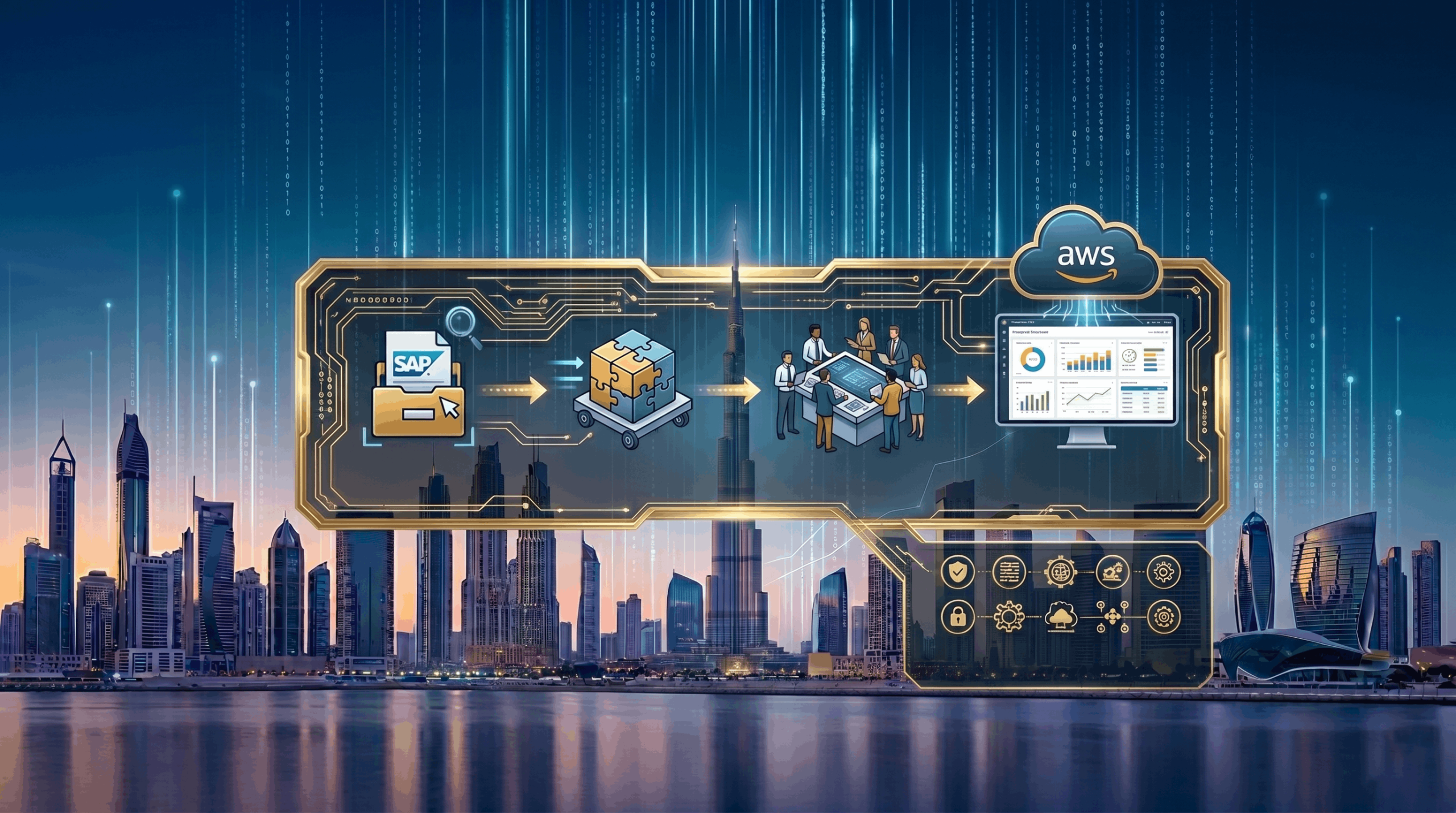
The Four Phases That Actually Work
Phase 1 — Get a Real Picture of What You Have
Every SAP migration that runs into serious trouble does so because the pre-migration assessment was incomplete. Integrations get missed. Custom code doesn’t get catalogued. Database size gets underestimated. These surprises hit during execution, when fixing them costs the most.
Do this work properly upfront:
- Document every SAP instance, its role, and the systems it connects to
- Map every integration — internal applications, third-party platforms, customer-facing systems
- Measure actual database size and model realistic growth over the next three years
- Identify custom developments that will need retesting in the new environment
- Check industry-specific regulatory requirements against what AWS configurations can support
- Be honest about your internal team’s experience with cloud infrastructure — skill gaps found now are manageable; gaps found mid-migration are not
Phase 2 — Design the Target Architecture Properly
Once you know what you’re working with, design the AWS environment before moving anything.
- Match EC2 instances to real HANA workload needs—not estimates
- Build for high availability—use multi-AZ to avoid single points of failure
- Plan backup and disaster recovery before migration, not after go-live
- Sequence the migration — which systems move first, which follow, and which stay on-premise during the transition
- Plan the production cutover window in detail — SAP production cutovers typically run over weekends, with specific milestones at each stage
Engage the AWS Migration Acceleration Program early—its structure, tools, and credits directly support migration acceleration, helping reduce both timeline and risk.
Phase 3 — Execute in Controlled Stages
Production never moves first. That’s not a suggestion — it’s the foundation of every SAP migration that goes well.
- Start in development, then QA—fix issues without impacting business
- Run parallel environments—on-premise stays live while AWS is validated
- Test everything—functional, performance, and integrations
- Execute a planned cutover—sync data, switch over, and monitor closely
Phase 4 — Stabilise Before You Optimise
Go-live is not the finish line. The 60 to 90 days that follow are where the migration is actually completed.
- Monitor performance using CloudWatch and SAP Solution Manager throughout this period
- Adjust instance sizing based on real usage data rather than initial estimates — this is where over-provisioned resources get right-sized and costs drop
- Use Cost Explorer regularly to catch spending that’s drifted out of line
- Plan the next optimisation phase: automation opportunities, advanced monitoring, and integration with AWS analytics if relevant
Where Projects Go Wrong — and Why
A few patterns show up repeatedly in SAP migrations that run into trouble:
Custom code gets underestimated. Heavily customised SAP environments take significantly longer to test than standard deployments. The testing timeline needs to reflect that reality, not an optimistic assumption.
Sizing gets guessed rather than calculated. Undersized infrastructure causes performance problems. Oversized infrastructure burns budget. Neither is acceptable for production SAP. Sizing requires actual workload analysis.
Business teams get left out. SAP touches finance, procurement, supply chain, and HR—so those teams must sign off. Treating migration as a purely technical project and handing business users a fait accompli is a reliable way to generate problems at go-live.
Rollback doesn’t get built. If production cutover hits a critical issue without a tested rollback path, the options are bad and worse. Build the rollback procedure and rehearse it before cutover day.
Rebuilding the Web Layer Around Your New SAP Environment
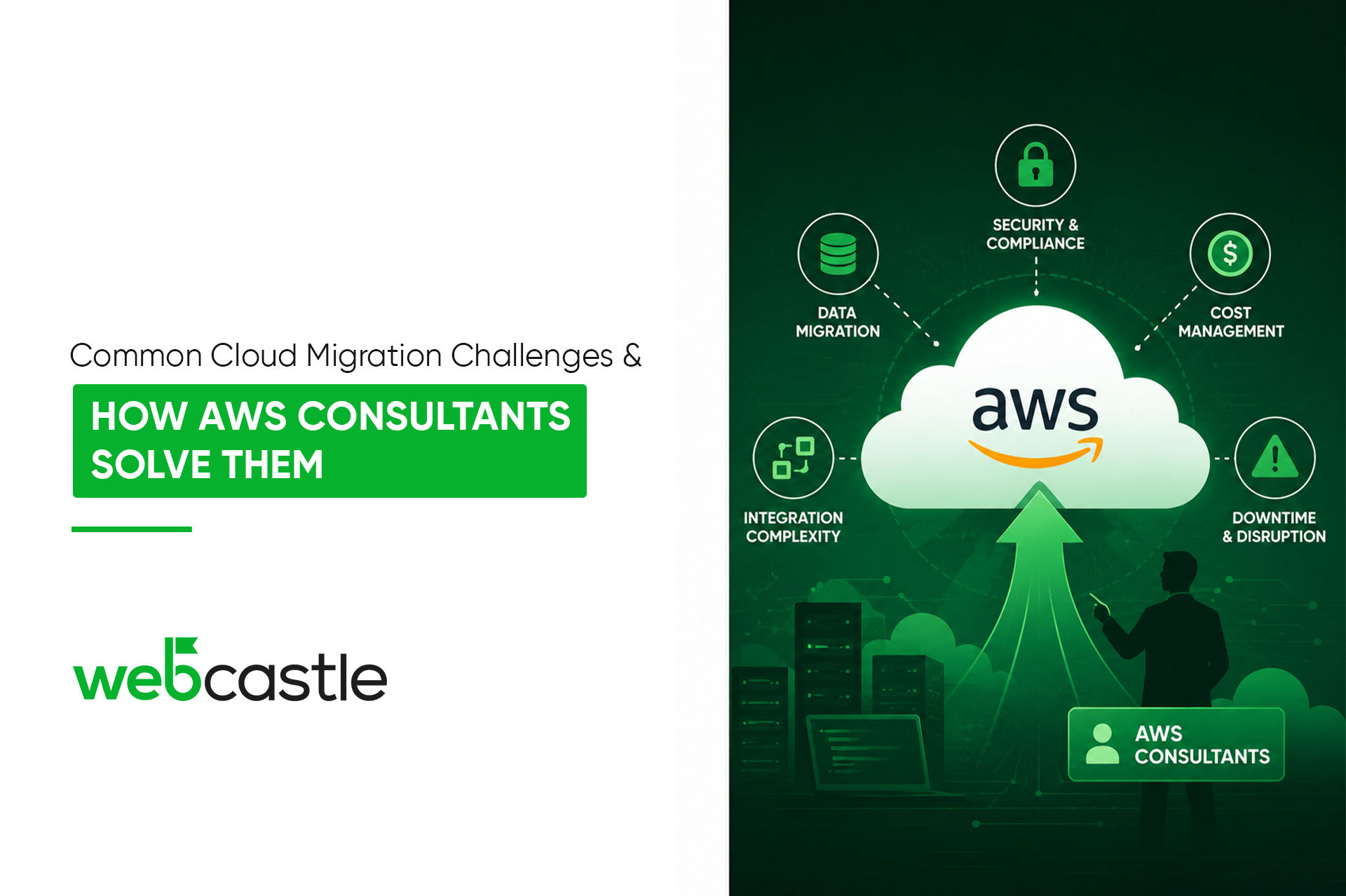
SAP migration rarely happens in isolation. Customer portals, supplier platforms, and internal tools that connect to SAP get touched by the migration whether you plan for it or not. When the back end moves to AWS, integrations built for an on-premise environment frequently need to be rebuilt or updated.
This is where integration complexity becomes a bottleneck—especially for customer-facing platforms, supplier portals, and internal tools connected to SAP.
In these scenarios, working with experienced implementation partners becomes critical.
Webcastle is a web development agency Dubai enterprises rely on during complex digital transitions. Their team builds AWS-compatible applications and customer platforms that integrate seamlessly with SAP environments hosted on aws cloud service dubai infrastructure.
The Right Move, Done the Right Way
SAP migration to Amazon Web Services can cut costs, improve reliability, and add flexibility beyond on-premise systems. For enterprises planning AWS Cloud Migration Dubai, the real value lies in combining infrastructure transformation with ERP modernization, improved scalability, and long-term operational resilience.
If your organisation is evaluating or planning SAP migration to AWS, start the conversation now — before the decision gets forced.
Visit webcastle.ae and talk to a team with hands-on AWS cloud service experience in Dubai and the regional knowledge to back it up.