



Most businesses miss this: even a perfectly optimized page can drop in rankings if users leave within seconds.
That’s the search in 2026. Google isn’t just reading your content—it’s increasingly evaluating how users interact with it.
If users feel confused, frustrated, or disappointed, your rankings will suffer.
UX and SEO are no longer separate—they work together.
UX in 2026 Isn’t What It Used to Be
For a long time, “good UX” just meant a site that looked professional and loaded quickly. That bar has moved considerably.
Today, UX is about removing friction—no confusion, no delays, no guesswork.
It’s about creating a smooth journey from first click to final action.
Businesses that get this don’t just convert better—they outrank competitors still treating design as decoration.
What Google Is Actually Measuring Now
Google hasn’t revealed its full ranking formula—but the direction is clear. Behavioral signals — the data generated by real users interacting with real pages — are carrying more weight with every algorithm update.
If someone leaves your page in seconds, it sends a weak signal. If they stay, read, explore, and take action, it sends a strong one.
Dwell time, scroll depth, return visit rate, click-through patterns — these aren’t just analytics vanity metrics. These signals are widely believed to influence how search engines evaluate content quality and relevance.
AI Search Has Changed the Playing Field
Google’s AI Overviews — the AI-generated summaries that now appear at the top of many search results — have created a genuine shift in how traffic flows across the web.
Zero-click searches are rising fast.
Industry studies suggest more searches now end without a click, as users get answers directly from AI summaries.
Users search, read the AI answer, and leave—without clicking any site.
For informational content especially, this is the new normal.
This means basic, surface-level content often gets absorbed into AI answers instead of bringing visitors. Pages that still get clicks offer more—depth, real insight, expertise, or a clear next step.
Clear headings and simple language help users and AI understand your content. It’s directly tied to visibility in AI-influenced search results.
Core Web Vitals: Why INP Deserves Your Attention
Google replaced an older performance metric called First Input Delay with something more demanding: Interaction to Next Paint, or INP.
The difference matters. The old metric only measured your site’s response to the very first thing a user clicked. INP measures every interaction — every button press, every menu tap, every filter selection — throughout the entire visit.
Think about what that covers on a typical website. A user opens a dropdown menu. They click a product. They apply a filter. They submit a form. Each of those moments is now scored. A page that loads quickly but stutters when someone tries to interact with it will still score poorly — and that score influences rankings.
For sites built on heavy frameworks or bloated plugins, this is worth auditing properly. The gap between a good INP score and a poor one is felt by users even when they can’t name what’s bothering them. Things just feel slow. And slow sites lose people.
The UX Factors That Drive Rankings in Practice
There’s no shortage of UX advice online, but not all of it moves the needle for SEO. These are the areas where design decisions translate most directly into search performance:
- How fast your pages respond. Not just initial load speed — full interactivity. Users on mobile networks in particular will abandon a page that takes more than a couple of seconds to become usable.
- Your site must work smoothly on mobile. Google ranks based on the mobile version.. A site that looks fine on desktop but requires pinching and zooming on mobile is being evaluated on its mobile version — and ranked accordingly.
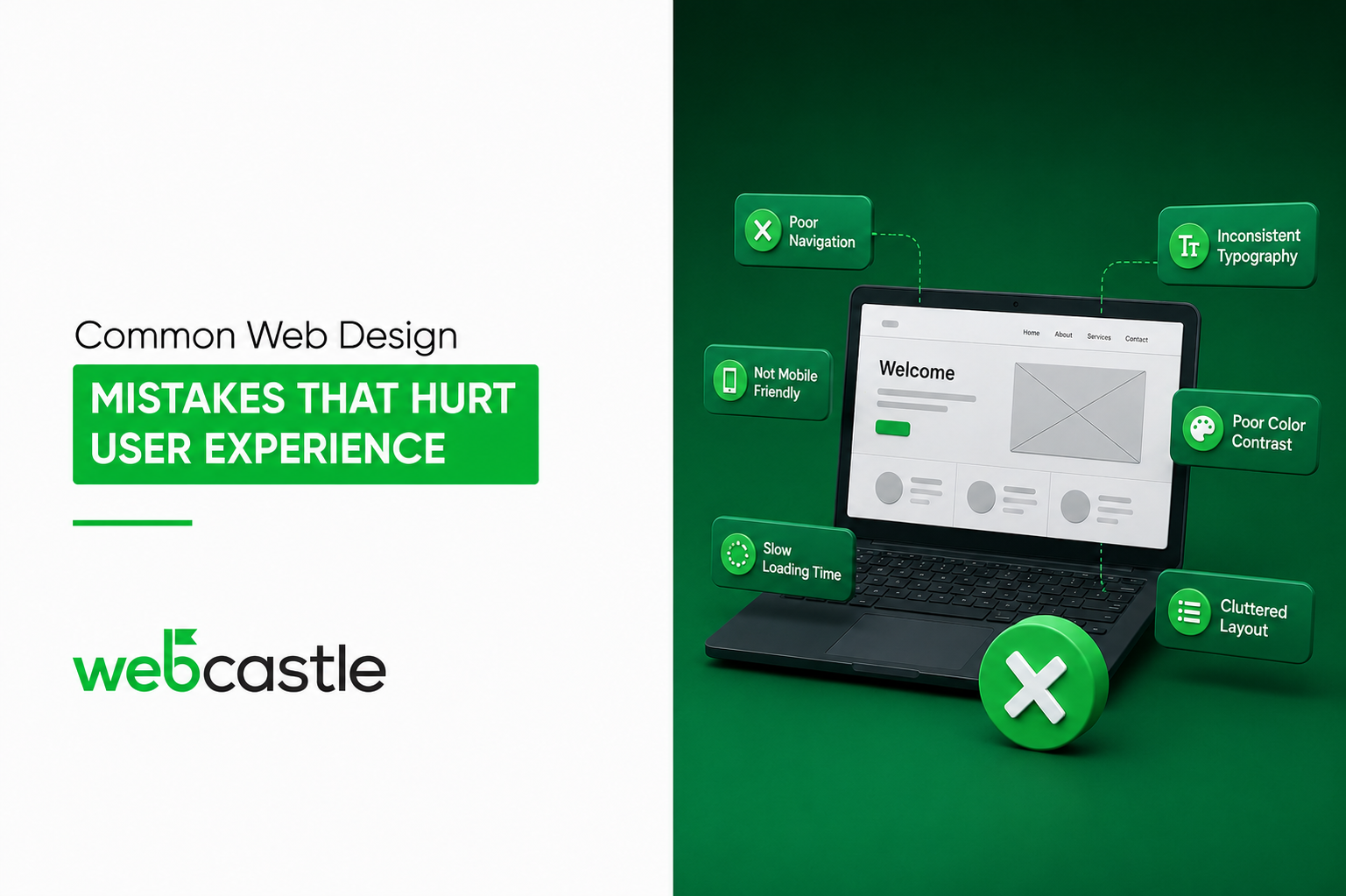
- If users can’t find things easily, they leave. Complicated navigation or poor search creates friction that people won’t tolerate. They leave, and your metrics suffer.
- How readable your content actually is. Dense paragraphs without visual breaks, small font sizes, low contrast text — these are all reasons people stop reading. And when people stop reading, time-on-page drops, and that data goes back to Google.
- Whether your site is accessible. WCAG 2.2 isn’t just about compliance. Clear headings, alt text, keyboard access, and good contrast make your site easier for users—and clearer for search engines.
Small Mistakes that Quietly Hurt your Rankings
These aren’t major failures. Most sites have a handful of them sitting unaddressed:
- Intrusive pop-ups appearing before users have read a single line of content
- Landing pages with no clear path forward after the main message
- Mobile menus that are fiddly or break on certain screen sizes
- Internal links that lead nowhere useful, trapping users in dead ends
- Contact forms that ask for too much information and see high abandonment
- Pages that shift around while loading, making users lose their place
- Category pages with no descriptive content, just a grid of products
Each of these creates friction—and friction quietly pushes users away, weakening your performance over time.
What to Actually Do About It
You don’t need a full redesign to improve UX.
Start with data—check Core Web Vitals in Google Search Console. Fix pages with poor INP or LCP first, especially high-traffic ones. Those are your highest-return fixes.
Test your site on a real phone, not developer tools. Browse it like a first-time visitor. Note every moment of friction.
Look at your bounce rate by landing page. High bounce rates are a signal. Your content may not match what users expected. Maybe the page loads too slowly. Maybe the design doesn’t make the next step obvious. Each is a fixable problem.
In competitive UAE markets, working with a web design company in Dubai that aligns UX and SEO—like WebCastle—delivers better results.
The Bottom Line
In 2026, rankings depend on the quality of experience your site gives real users.
Technical SEO matters. Content matters. But both of them sit on a foundation that is fundamentally about how your website feels to use. A site that is fast, clear, accessible, and genuinely helpful will accumulate the behavioral signals that sustain strong rankings over time.
One that doesn’t — regardless of how well-optimised the metadata is — will keep losing ground to sites that have figured this out.
The good news is that UX problems are solvable. Most of them don’t require starting over — they require honest assessment and the right expertise to act on it.
Start with your worst pages. Fix one issue at a time. The data will tell you when you’re getting it right.
Ready to align your website’s design with what search engines — and your customers — actually reward? The next step is simple: identify where your user experience is breaking down—and fix it before it costs you more traffic.
Align UX and SEO now—or keep losing rankings to sites that already have.