


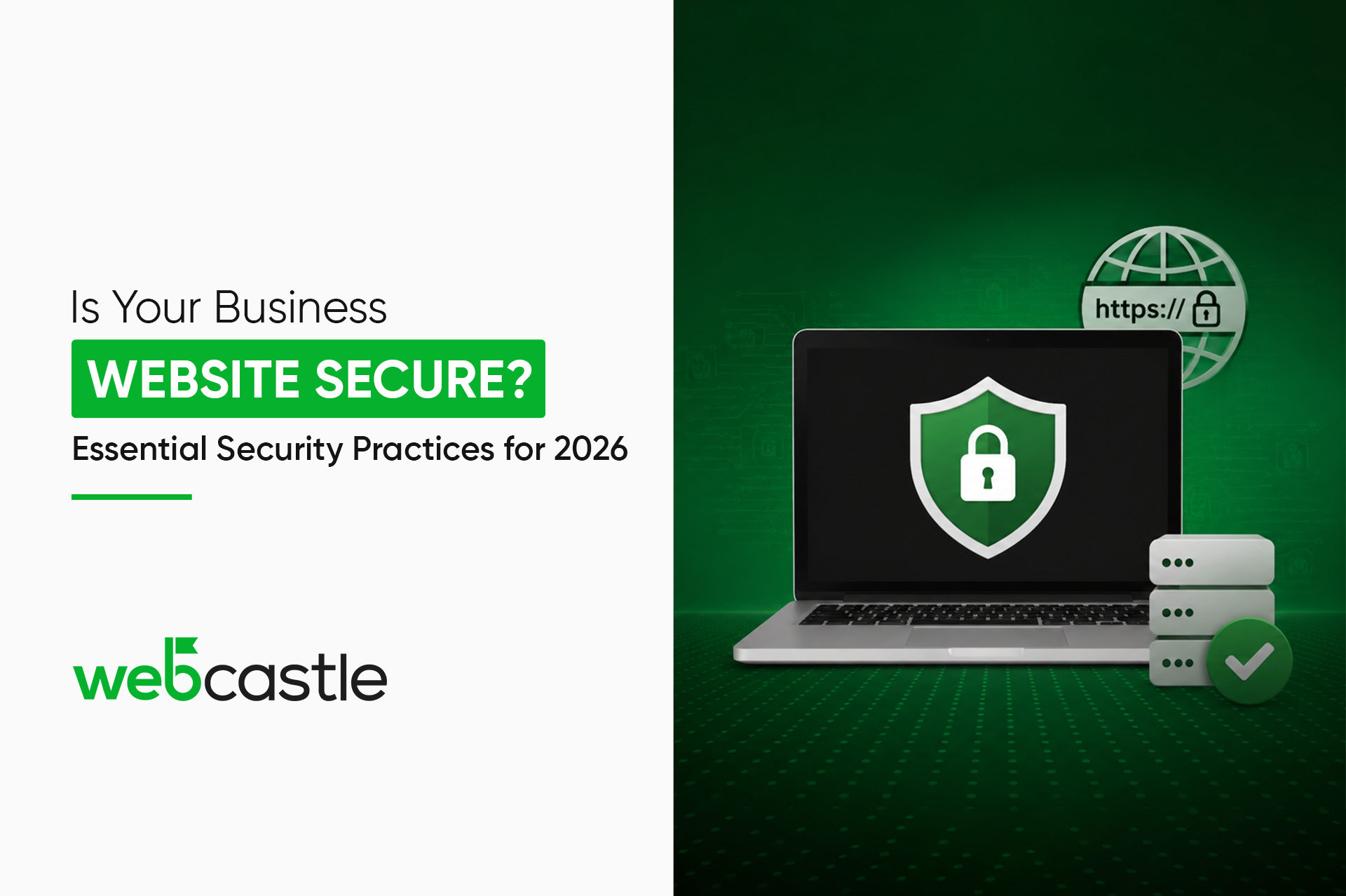
It is almost certain that most business websites in the UAE are only a moment away from being breached. I mean, not so much because of negligence, on the contrary. In fact, besides website security, it is rather common that website owners treat it like insurance, which they can always buy later. And of course, there is no such thing as too late for hackers. Bots are working tirelessly scanning for uncovered doors, and 2026 is the year when an unlocked door will not be considered a mere technical issue, but also a legal one.
If you are looking for the safest ways to secure your website, then you are probably noticing the difference between the way your site looks and what is really holding it together. So, with this guide, we will first talk about what website security for businesses means in 2026, then we will point out what kinds of security issues most sites have, and finally, we will show you what to fix before your customer, regulator, or attacker discovers it.
Why Website Security Matters More Than Ever
Every day your website goes unsecured, you risk three concrete things, and none of them are in any way intangible.
- Protecting customer data and business information. Every contact form, checkout page, and login screen on your site is an invitation for data theft. Names, emails, payment details, internal business data, the whole lot is saved on your server, and if this storage is not properly secured, whoever finds it first will have access to it. This is not only the case with small or mid-sized businesses. Attackers do not check your income before they try to break into your site.
- Maintaining customer trust and brand reputation. It is essential to ensure customers’ trust and the company’s image as a trustworthy entity at all times. It takes several years for customers to entrust you, but one disclosure of a security breach can destroy the whole effort. Unfortunately, no promotional campaigns can overturn things in such situations.
- Ensuring business continuity and regulatory compliance. A breach will not only take away your data, but also your working hours, employees, and, in the UAE, your ability to meet regulators. At present, security is an integral part of the compliance requirements. It’s increasingly something regulators will actually act on.
Website security isn’t an IT line item anymore. It’s a condition of staying in business.
Essential Website Security Best Practices for 2026
1. HTTPS and SSL Certificates
Imagine that each time you send data from your website to a user, your data is sent in clear text if your secure website development is still showing “http://” instead of “https://”. You share your password, submit contact forms, and provide credit card details. All this can be read by anyone who is intercepting the communication.
Installing HTTPS and SSL security is the solution to this problem. It ensures that the data transmission is encrypted. Besides, Google marks websites without HTTPS as “Not Secure” in Chrome, so that means users get a warning even before checking out your homepage.
2. Multi-Factor Authentication (MFA)
According to Cyberplan, simply using a password is considered unwise for very important applications by 2026 at the latest. Usually, the second verification factor with MFA is a code that is sent to your mobile phone.
If your password is stolen, the thief still won’t be able to enter. That’s the main idea.
Set up MFA for:
- Your CMS admin panel (WordPress, Shopify, etc.)
- Hosting and domain accounts
- Any third-party tools with access to your site backend.
3. Keep Software and Plugins Updated
Hackers will take advantage of your website through plugins that are out of date most of the time. In other words, each time you have a vulnerable version of the software, you are making your site open to the attackers. Developers often come out with updates that enhance security. If you keep ignoring such updates, you might as well label the package with “warning” and then hide it under your desk.
Wherever you can make your updates automatic, do so. Also, every quarter, you should check the list of your plugins and delete the unused ones.
4. Strong Access Controls
Not everyone on your team needs admin-level access to your website. Give people the access their role requires, nothing more.
- Use role-based permissions (editor, author, admin)
- Enforce strong password policies across all accounts
- Remove access immediately when someone leaves the company
Immediately revoke access when an employee leaves the company.
OWASP recommends implementing the least privilege principle and access denial by default, meaning permissions should only be granted where there is a clear need.
5.Periodic Security Reviews
If it isn’t found, it can’t be fixed. A security review helps you to discover your vulnerabilities like an attacker would and beat them to it.
OWASP suggests carrying out reviews annually at a minimum, and also when any significant change or update is made to your application.
In the case of ecommerce websites or those managing highly confidential data, every three months is better.
6. Firewall and Malware Detection
A Web Application Security Firewall intercepts the harmful traffic and keeps it away from your website. To this, malware detection at regular intervals needs to be added to catch things that manage to slip by.
This is standard nowadays with almost any good hosting provider. If yours doesn’t, it may be worth your time looking elsewhere.
7. Encrypt and Safeguard Customer Data
All personal information, such as names, emails, addresses, and payment details that you collect, should be encrypted both at rest and during transmission.
Using customer data without effective protection not only introduces a security risk but also a legal one.
8. Backups, the Right Way
If you don’t test a backup, it’s not really a backup; it’s merely an illusion of safety.
Schedule daily or weekly backups automatically depending on your site’s update frequency.
Your backup should be stored off-site, not only on the same server.
Perform a restoration test at least once every few months.
Website Security Considerations for UAE Businesses
The UAE is a booming digital market with evolving regulations and growing customer expectations. Whether you have an ecommerce store, a service business, or a B2B platform, your customers expect their data to be secured.
The UAE legislation now requires companies to establish secure networks, implement strong access controls, follow data encryption standards, and introduce security protocols that are regularly updated. Not adhering to these regulations can result in severe financial penalties as well as damage the company’s reputation.
Partnering with a reputable web development agency in Dubai that integrates security as a fundamental element of the architecture right from the start, rather than as an afterthought, certainly facilitates satisfying these requirements.
Common website security mistakes to avoid
These are not rare edge cases — they show up constantly
Weak passwords on admin accounts
Especially shared ones. A single compromised login can hand full access to an attacker in seconds.
Skipping updates because “it’s working fine”
Outdated plugins, themes, and CMS versions are the most exploited entry points for attackers.
No backup strategy — or untested backups
A backup that has never been restored is not a backup. Test it before you need it.
Excessive permissions for team members & agencies
Give people only the access they actually need. Over-permissioning creates unnecessary risk from every direction.
No monitoring in place
Without monitoring, you only discover an attack after the damage is done. Set up alerts before something goes wrong.
Protect Your Website Before Threats Strike
The companies that view security as a one-time setup task are usually the same ones that end up making headlines for facing security issues.
Only a security blueprint that is proactively embedded into your website from the very beginning can withstand the test of 2026. Waiting for the breach and then patching the security holes is not only very costly but also quite time-consuming, and usually does not cover all the security issues.
Finding out your website’s current security level is the main thing to focus on first if you are not certain about this.
WebCastle Dubai designs secure websites from the inside out, not adding security features as an afterthought. Contact us today to analyze your website’s security level and vulnerabilities.
FAQs
- What do you think the main security threats for websites are?
The following risks are highest due to their regular occurrence: broken access control, security misconfiguration, software usage with known vulnerabilities due to outdated versions, and weak authentication. Most business websites are not threatened by sophisticated attacks but by opportunistic attacks instead.
- What is the recommended frequency of security audits for businesses?
At least once a year should be your baseline if you do not have sensitive information on your website.
For sites that process payments, collect personal information, or have user accounts, doing a security audit every three months is a much stronger defense.
Don’t forget to carry out an audit after you update or make structural changes to your site.
- Can a website’s security be enhanced by HTTPS?
It works but only provides a minimum level of security. HTTPS encrypts data during transmission between visiting users and your site.
However, this does not mean your backend or database, your administration panel, or server configuration are secured.
You should see it more as a necessity than an answer.
- What steps do I take when my website has been hacked?
Immediately take the website offline to prevent further harm. Contact your hosting provider. Restore from a clean backup. Audit how the breach happened before going back online. If customer data was involved, you have legal notification obligations under UAE law. Do not just clean it up and move on quietly.